
Did you know that both Serendipity Blackmagic, Serendipity Megarip and Veripress have a built-in Web Server?
This allows you to access the information about the server and the jobs processing from your own web browser providing you have a network connection to the server. It does not allow any user interaction with the jobs but does allow you track the progress.
Accessing the web server is simply a matter of entering the servers IP address or name (where Blackmagic/Megarip/Veripress is installed) followed by a colon and then the port number of 8080

Alternatively, with a DNS Server:

Once connected you have access to server information.
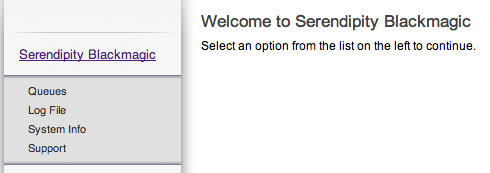
Click on queues to see the Queues configured.
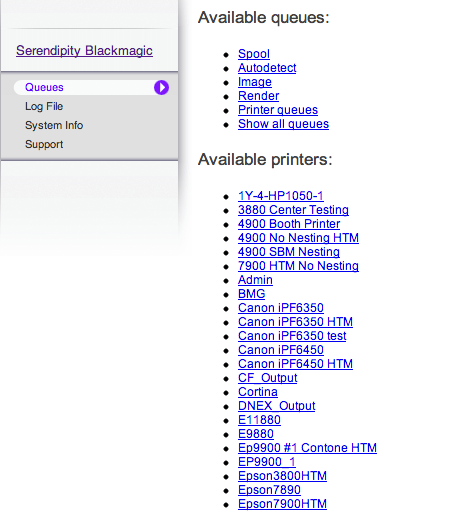
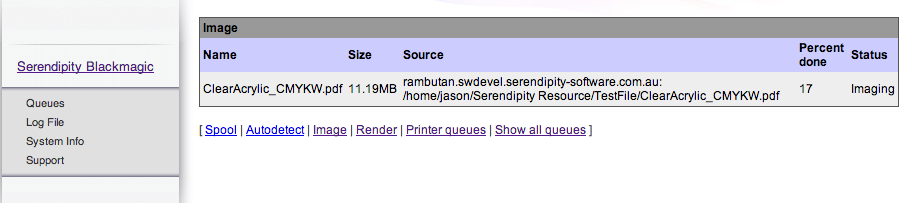
You can click on Show all queues to list every queue of select an individual one. For example the Imaging queue may display jobs currently processing.
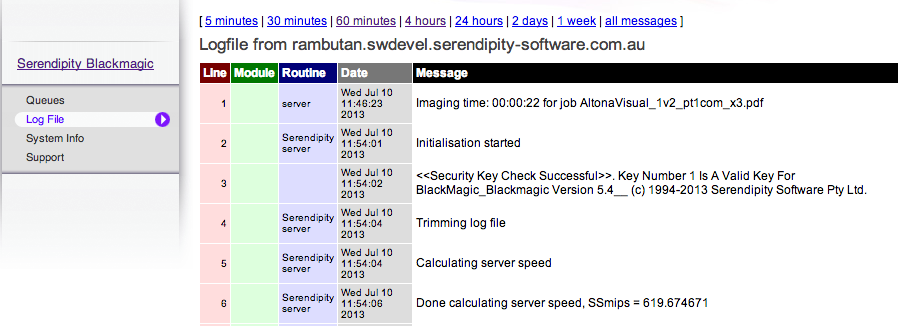
Select Log File to get the latest server log information. This can then be printed or saved which can help support if you have problems. Select a different period to fetch back.
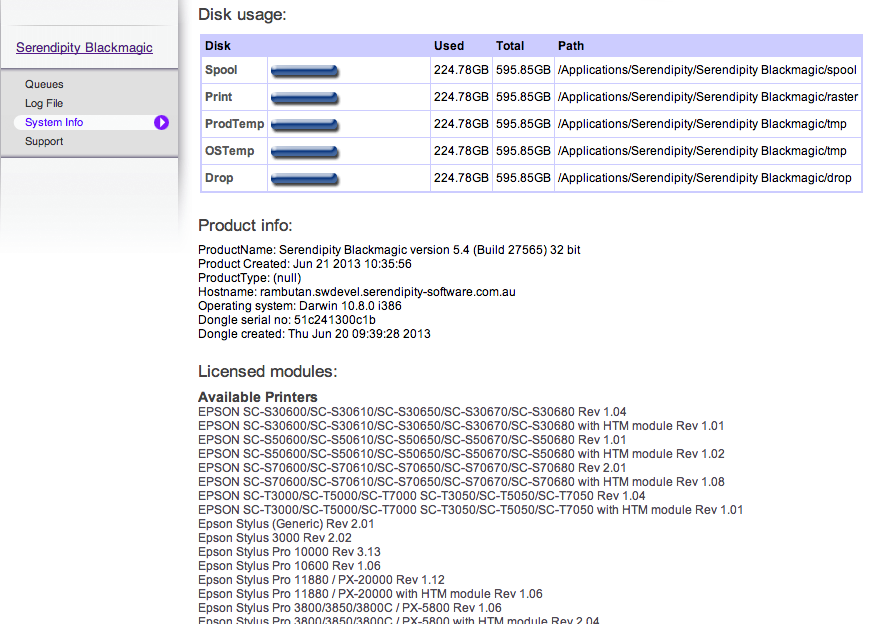
Select System Info to get details on current disk usage, product and operating system details, dongle number and installed input and output drivers.
You can also access the support site which has a lot of useful information including pre-configured databases, manuals and release note and other helpful information.
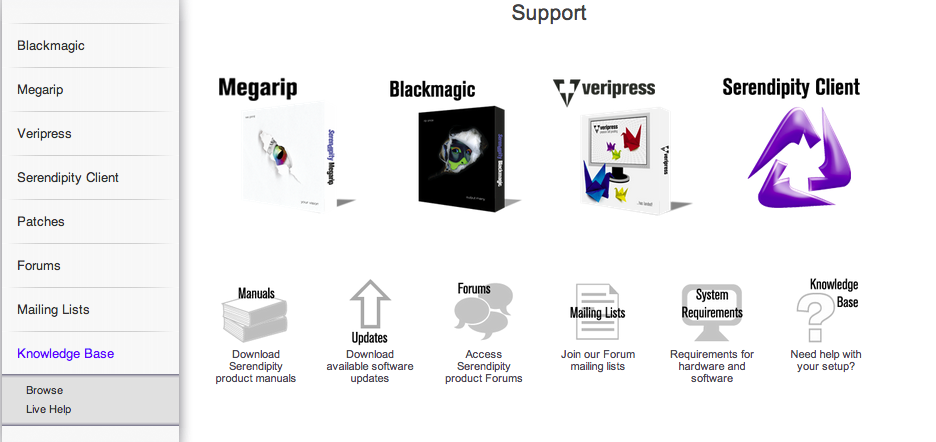
Note: An internet connection is required to view the support section.