Serendipity Blackmagic / Megarip / Veripress 6.0+ adds the ability to add Comments to jobs in the QueueManager as a reference for users.
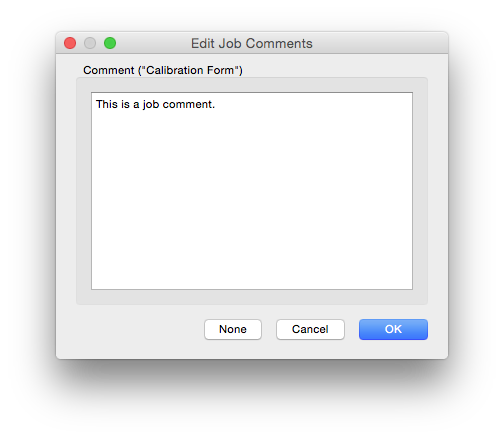
A Comment is added by selecting the job, then
- choosing the Comment… option from the contextual (right-click) menu, or
- clicking the Comment… button on the QueueManager Toolbar (right-click in the Toolbar to add the button) or,
- typing Ctrl+N (Win) or Cmd+N (Mac)
to open pop-up allowing the user to enter or edit comments about the job.
- click OK to Save the Comment
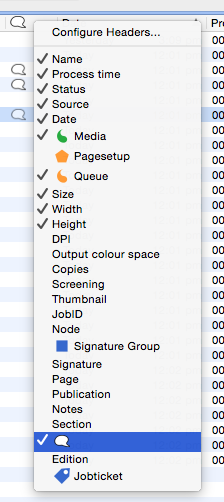
A Comments sort column option has been add to QueueManager. The column header, and the indicator as to whether a job contains a comment is a speech bubble icon.
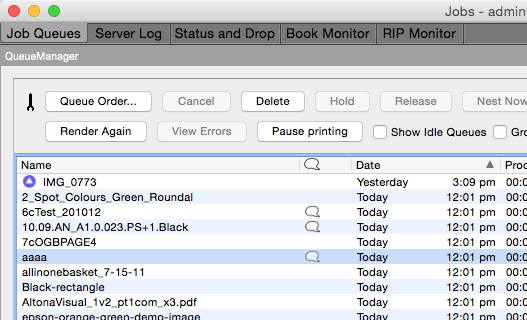
QueueManager – ‘Comments’ column
To add the column, select it from the Queuemanager View Options in the Sort Column Header contextual (right-click) menu.
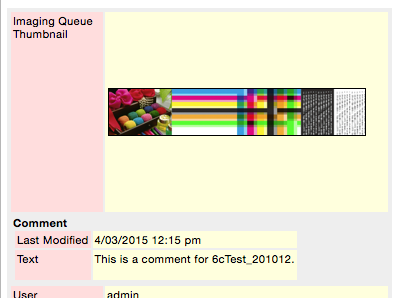
Opening the Job Info for a job will display the Comment directly below the thumbnails: