
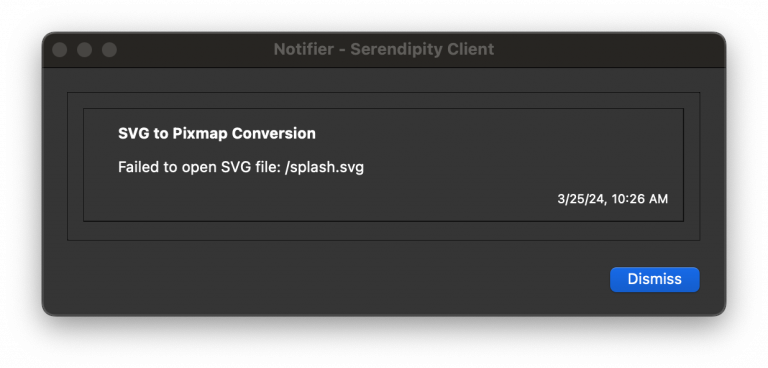
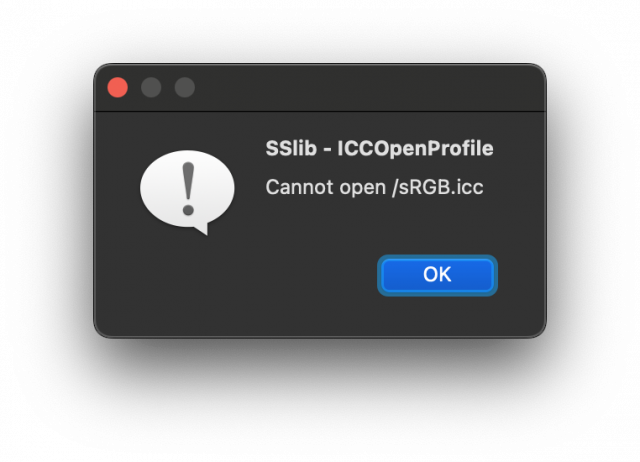
macOS 14 Sonoma was released after our version 9.0 software. Serendipity released a subsequent patch for both the Server and Client, providing compatibility with the new operating system.
Existing version 9.0 users are able to patch their software by running the Serendipity Updater program independently from within the Serendipity Blackmagic / Megarip / Veripress installation folders, or within the stand-alone Serendipity Client folder.
Patching the Serendipity Client
After running the Serendipity Client once, and receiving the error messages above:
- Open the macOS Finder and navigate to the Serendipity Client folder.
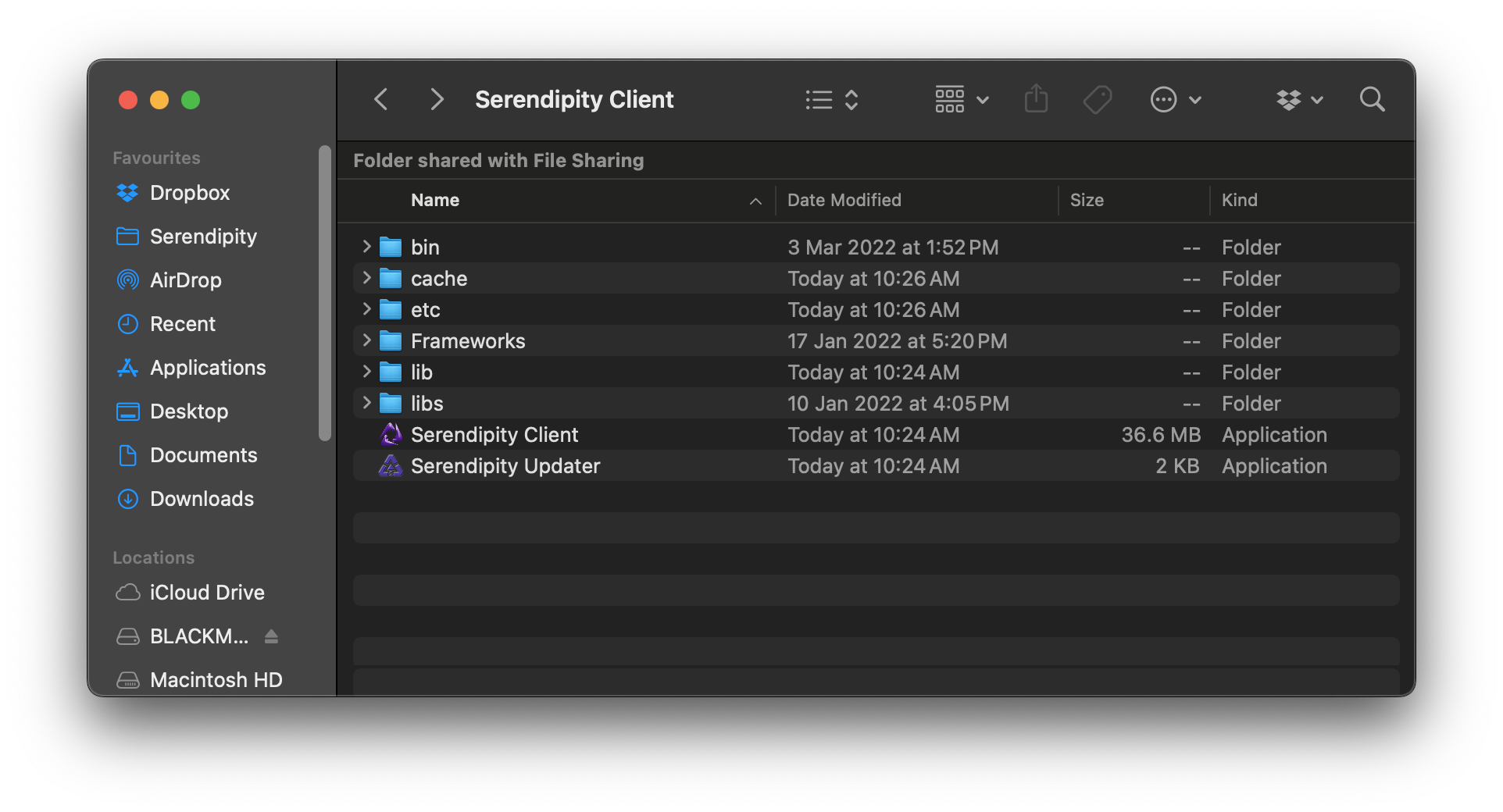
- Run the Serendipity Updater program
- Install all the available updates, which include the macOS 14 compatibility patch.
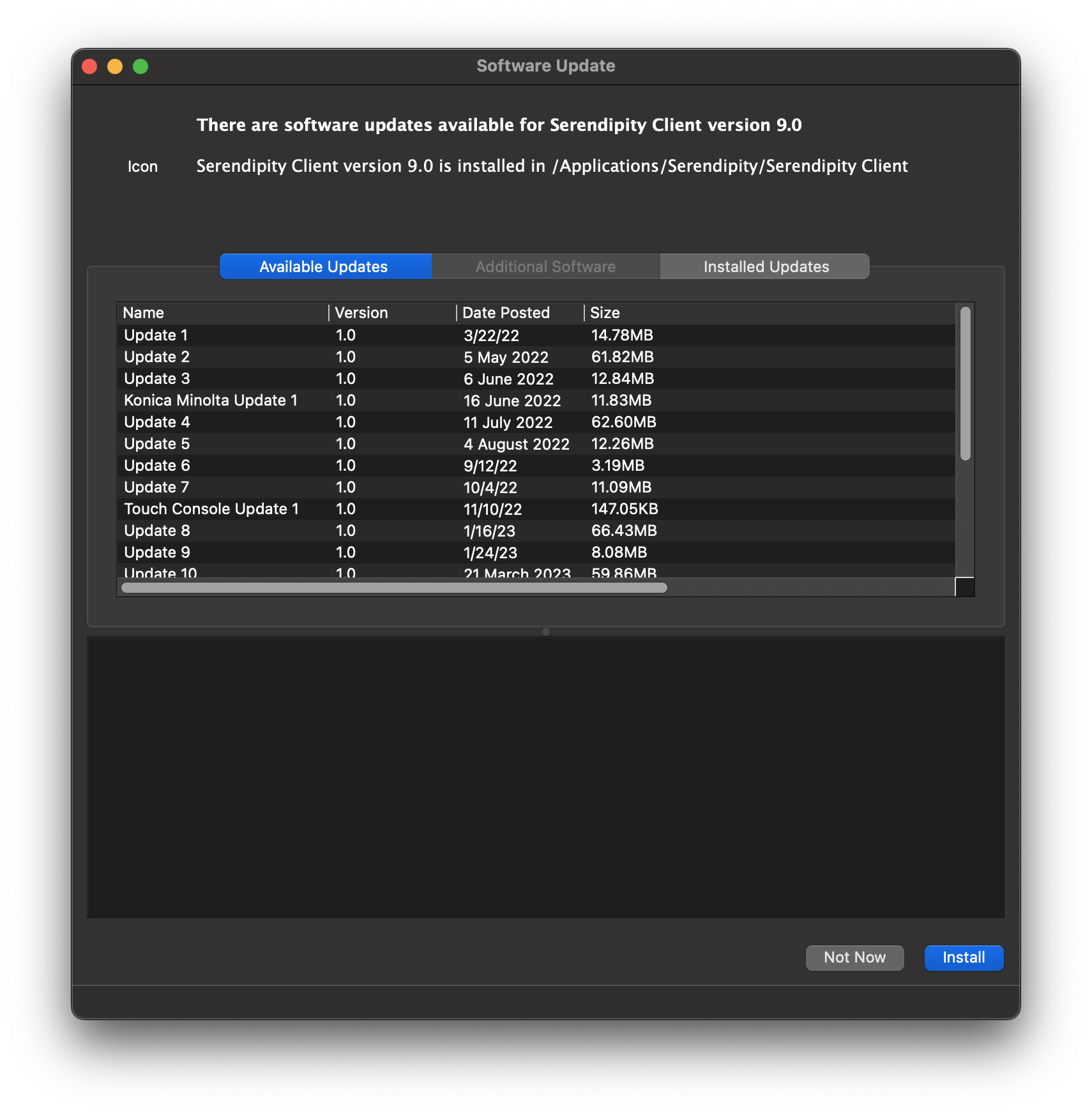
- Quit the Serendipity Updater
Run the Serendipity Client again. It will open and function normally.
Patching the Serendipity Client if no productinfo.xml file is present
After running the Serendipity Updater, the following message may be displayed:
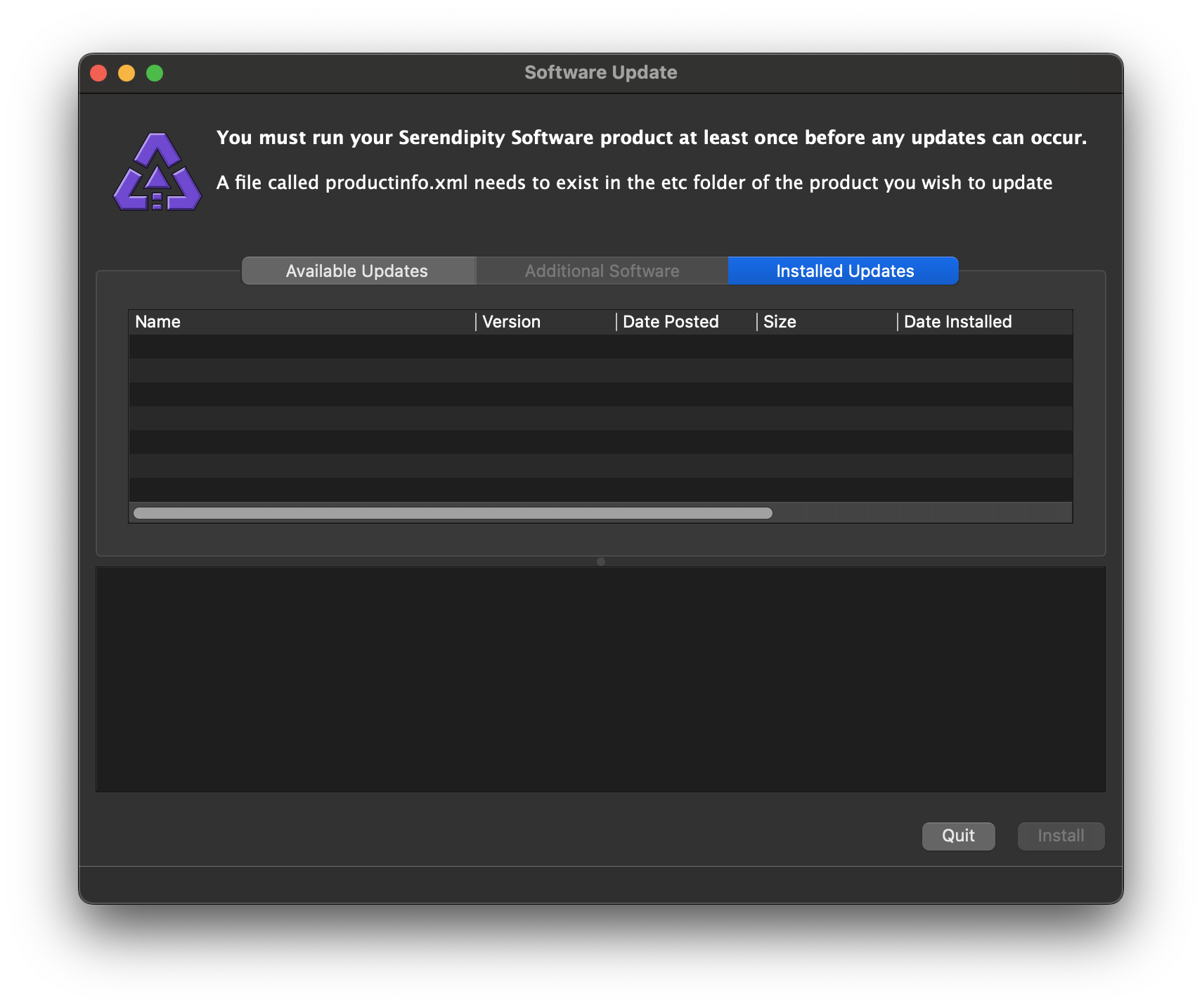
In this case:
- Quit the Serendipity Updater
- Click the following link to download a copy of the required file
- Extract the productinfo.zip folder, and copy the productinfo.xml file into …/Serendipity Client/etc/
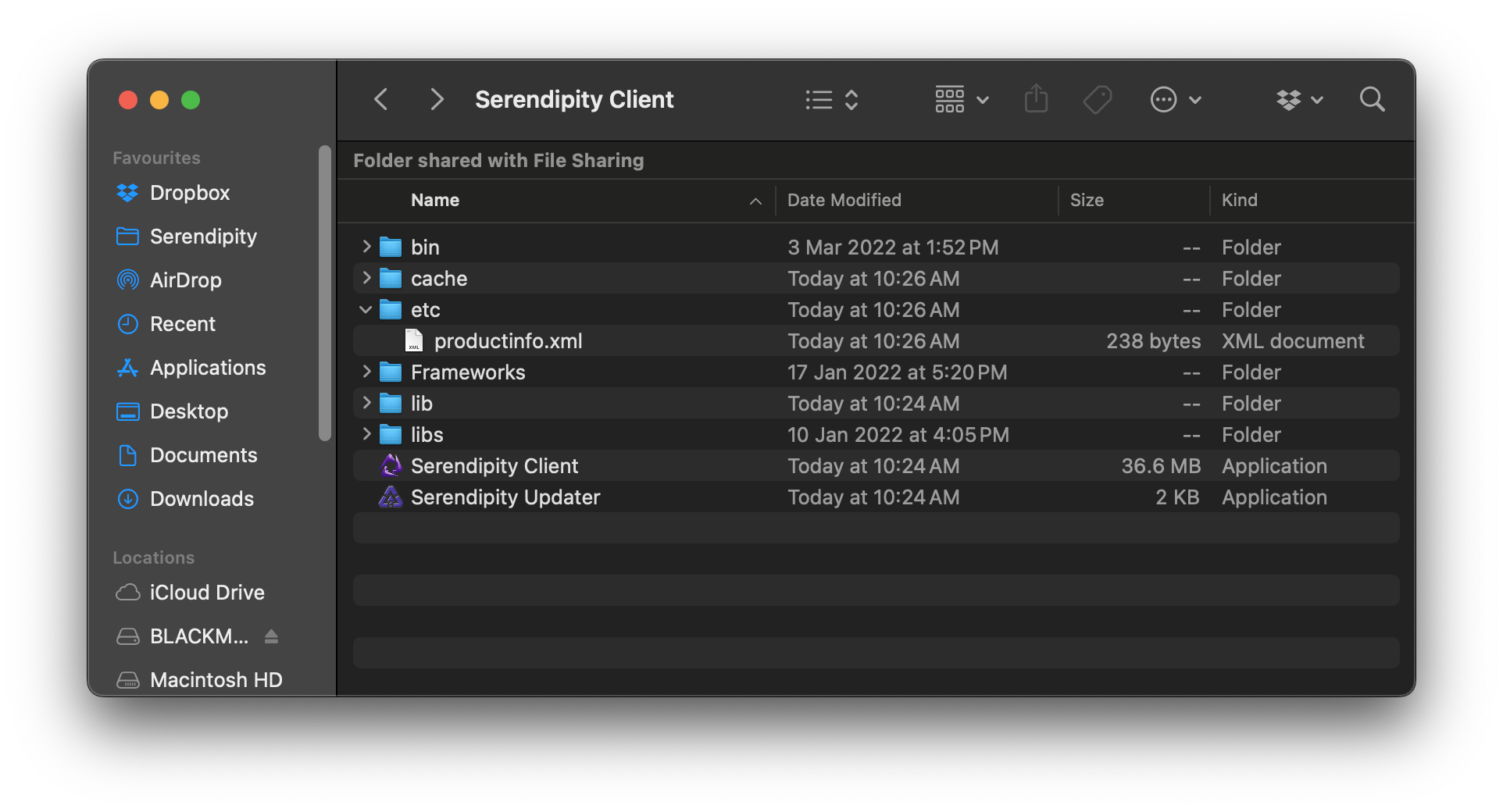
- Run the Serendipity Updater program again. It should now display available updates.
- Install all the available updates, which include the macOS 14 compatibility patch.
- Quit the Serendipity Updater.
Run the Serendipity Client again. It will open and function normally.